
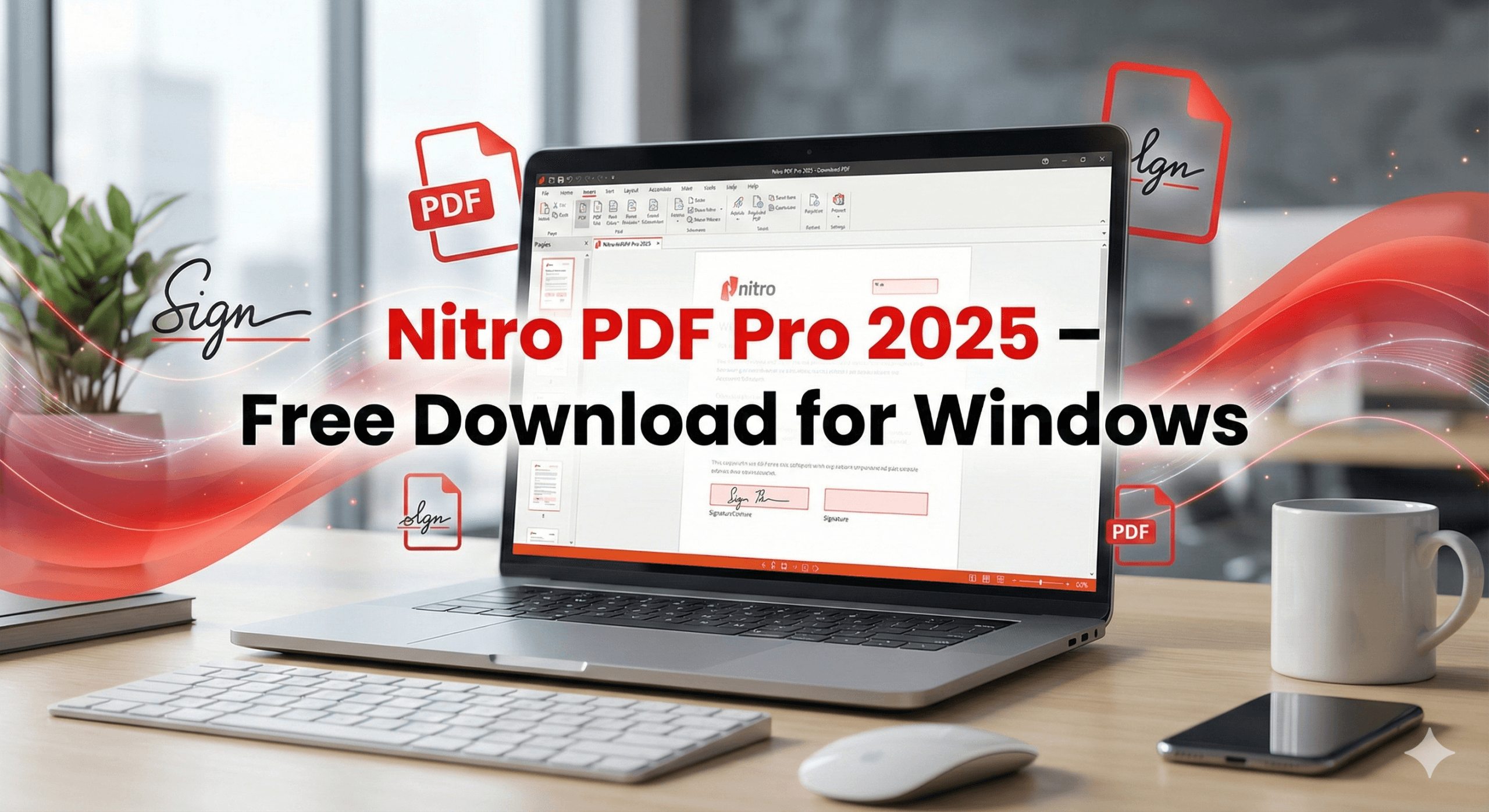
Download Nitro PDF Pro 2025 for Windows — advanced PDF editing, converting, signing, merging, OCR scanning, and form tools for businesses and professionals. Fast, secure, and easy-to-use.
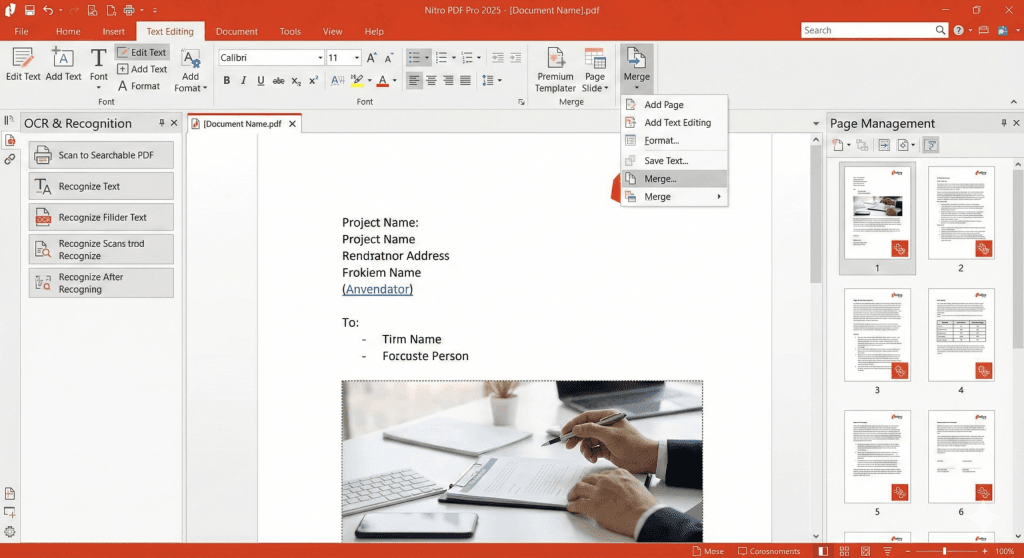
Table of Contents
📄 Overview
Nitro PDF Pro 2025 is a powerful, business-class PDF editor designed for professionals who need speed, accuracy, and full control over PDF documents. Known as a top alternative to Adobe Acrobat, Nitro PDF Pro provides all essential tools for editing, signing, converting, merging, compressing, and securing PDF files.
Built for productivity, Nitro PDF Pro 2025 introduces enhanced performance, new AI-assisted features, improved OCR (Optical Character Recognition), updated interface design, and strong cloud collaboration with Nitro Cloud.
With its clean UI and robust editing tools, Nitro PDF Pro has become a go-to choice for offices, enterprises, students, educators, government workers, and anyone who handles documents daily.
⭐ Key Features of Nitro PDF Pro 2025
1️⃣ Edit PDFs Like Word Documents
Edit:
- Text
- Fonts
- Paragraphs
- Images
- Alignment
- Formatting
Modify any content in a PDF with instant reflow and clean editing precision.
2️⃣ Convert PDFs to Multiple Formats
Export to:
- Word (DOCX)
- Excel (XLSX)
- PowerPoint (PPTX)
- Images (JPG, PNG, TIFF)
- Text
- Rich Text (RTF)
Nitro’s conversion engine preserves layout accuracy extremely well.
3️⃣ Advanced OCR Scanning
Turn scanned documents into:
- Searchable PDFs
- Editable PDFs
OCR accuracy is improved by 25% in the 2025 version, with support for dozens of languages.
4️⃣ Create & Fill Forms
Design or fill:
- Interactive forms
- Signature fields
- Buttons
- Dropdowns
- Checkboxes
Perfect for corporate workflows and legal documentation.
5️⃣ Digital Signatures & Security
Nitro supports:
- Certified digital signatures
- Password protection
- Permissions restrictions
- Redaction tools
- Encryption (AES 256-bit)
Ensures secure handling of sensitive documents.
6️⃣ Merge, Split & Organize PDFs
Combine multiple files into one PDF, reorganize, extract, delete, rotate pages — all from an intuitive page management interface.
7️⃣ Compress PDFs for Smaller Size
Reduce file size for easier sharing without losing clarity. Great for email attachments & archives.
8️⃣ Nitro Cloud Collaboration
Share documents online, request signatures, and track changes in real time. Perfect for teams & remote work environments.
9️⃣ Batch Processing
Automate large workflows:
- Convert multiple PDFs
- Batch OCR
- Batch watermarking
- Batch security setting
Saves hours of manual work for office environments.
🔟 New UI & Performance Boost (2025 Edition)
- Modern ribbon-style interface
- Faster rendering engine
- Better memory usage
- Improved touch support
- Lightning-fast file opening
🚀 What’s New in Nitro PDF Pro 2025?
| Update | Improvement |
|---|---|
| AI Smart Document Cleaning | Auto alignment + formatting fixes |
| Enhanced OCR Engine | More accurate text extraction |
| PDF Comparison 2.0 | Compare two PDFs side-by-side |
| Cloud Sync Upgrade | Faster collaboration via Nitro Cloud |
| Auto-form Detection | Turn static documents into fillable forms |
| Performance Boost | 30% faster editing and loading |
🧠 Who Should Use Nitro PDF Pro?
👨💼 Office Professionals
Contracts, HR documents, reports, presentations.
👩⚖️ Legal Workers
Scanned documents, signatures, case files.
👨🏫 Students & Teachers
Assignments, notes, scanned pages, research PDFs.
🏢 Enterprises
Document workflows, security compliance, form automation.
👨💻 IT & Admin Teams
Protected PDFs, batch processing, cloud collaboration.
Nitro PDF Pro is built for professional high-volume PDF tasks.
🖥 System Requirements
Windows
- Windows 10 / 11 (64-bit)
- Intel i5 / Ryzen 5
- 4 GB RAM (8 GB recommended)
- 1.5 GB free disk space
- 1024×768 display
- Internet required for activation & Nitro Cloud
Note: Nitro PDF Pro is not available for macOS. (Your site may want to mention this.)
📦 Product Information
| Field | Details |
|---|---|
| Software Name | Nitro PDF Pro |
| Version | 2025 |
| Developer | Nitro Software, Inc. |
| Category | PDF Editor / Document Tools |
| Platform | Windows |
| License | Paid / Trial |
| Website | https://www.gonitro.com |
🏁 Final Verdict
Nitro PDF Pro 2025 stands as one of the best, fastest, and most user-friendly PDF editors for Windows. Its combination of powerful editing tools, strong security, accurate OCR, modern UI, and advanced conversion capabilities makes it an excellent alternative to Adobe Acrobat Pro.
If you want a professional-grade PDF editor for office, school, business, or legal work — Nitro PDF Pro 2025 is a top choice.
Software you may like
URL:-https://softvide.com/adobe-acrobat-pro-2025/